Working from home is not going anywhere in 2026, but a great home office does not have to drain your savings. You do not need a $1,500 designer desk or a thousand-dollar chair to do your best work. With a few smart choices, you can put together a comfortable, productive workspace for a few hundred dollars.
The trick is spending in the right order. Pick your spot first, then invest in the chair and desk that protect your back, and finally add the smaller upgrades — lighting, accessories, and organization — that make the space pleasant to sit in every day. This guide walks you through each step of a budget home office setup, with practical tips that make sense.
1. Pick the Right Corner Before You Buy Anything
Before spending a single dollar, choose where your office will live. Even a small, dedicated corner works better than dragging a laptop around the house. Having one consistent spot tells your brain it is time to work, which makes a surprising difference to focus.
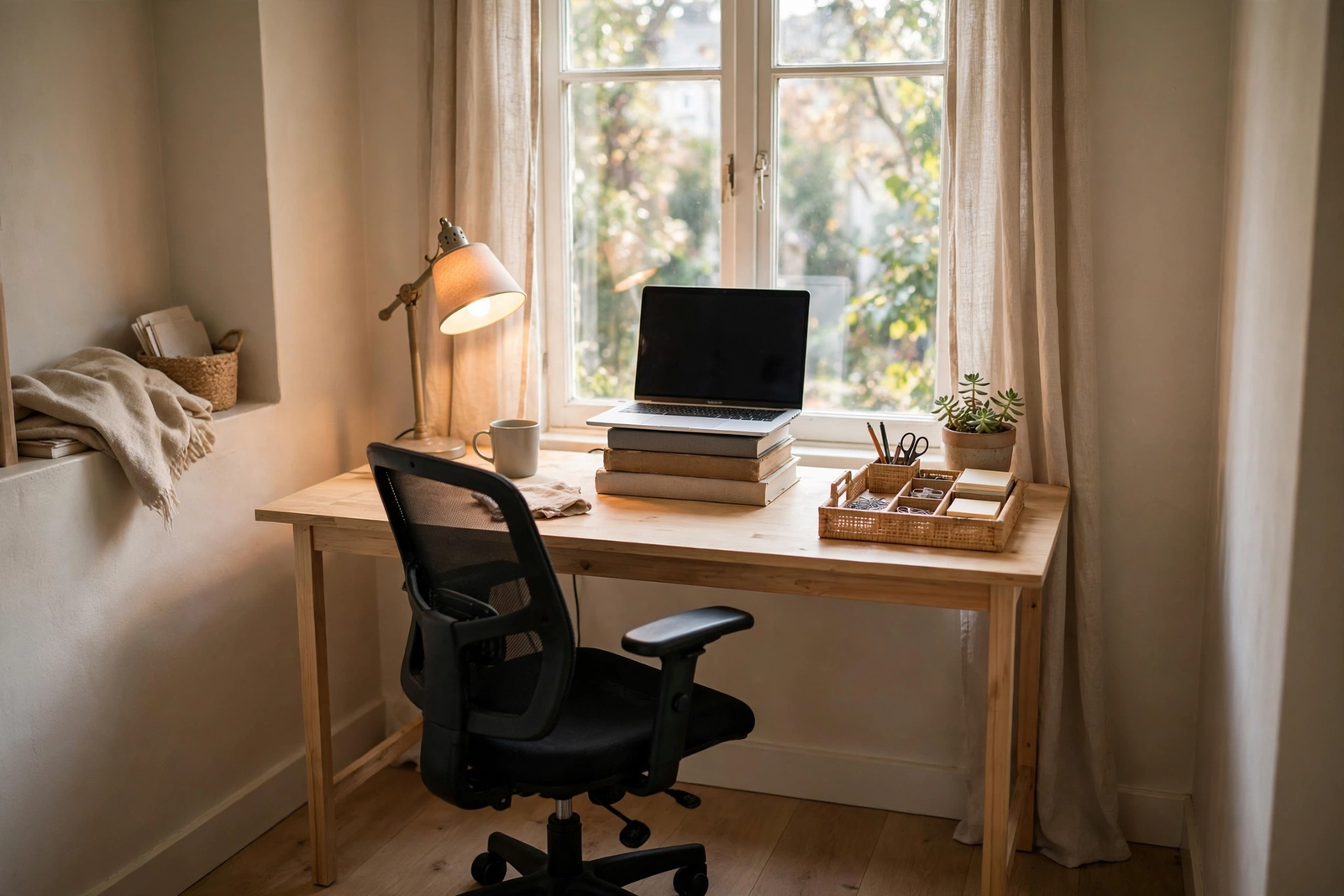
Natural light is your best free resource. Try to position your desk facing a window or with the window to your side, so daylight falls on your work area without creating glare on your screen. A corner of the bedroom or living room works perfectly, as long as it is reasonably quiet and away from the household’s main traffic path.
Measure your space before ordering anything — a desk that is 48 inches wide fits most laptop-plus-monitor arrangements, but a 36-inch desk or folding table can be enough in tight apartments. Write down the width, depth, and chair clearance before you shop.
2. Affordable Desk Picks That Actually Hold Up
You do not need solid oak. A sturdy budget desk costs anywhere from $40 to $120 new, and plenty of them survive years of daily use. Folding tables work in a pinch, and simple writing desks with metal frames are lightweight, affordable, and easy to move if you rearrange.
The real secret for a budget home office setup is the second-hand market. Offices that closed or downsized regularly sell quality desks for a fraction of retail, and many look nearly new. When browsing online listings, take a moment to learn how to shop online safely and avoid scams before you hand over any money — a little caution protects both your wallet and your patience.
If you enjoy a small project, build your own: buy a simple tabletop and a pair of adjustable legs for under $60 total. Look for a work surface around 28 to 30 inches high, which suits most adults with an adjustable chair.
3. Get the Chair Right — It Is Worth the Splurge
If there is one place to spend more of your budget, it is the chair. Back pain is expensive in every sense — doctor visits, lost workdays, and daily discomfort cost far more than a decent seat. A good budget office chair runs $80 to $150, and it is the single biggest quality-of-life upgrade you can make.
Prioritize three features: adjustable seat height, adjustable lumbar support (or a built-in lumbar curve), and armrests that do not force your shoulders up. Mesh backs are a bonus in warm climates because they breathe better than solid plastic. Check reviews that mention long sitting sessions rather than looks.
Used office chairs are another excellent value. Businesses sell off fleets of ergonomic chairs when they move, and a $40 used chair that originally cost $400 will serve you better than a $40 new chair with no lumbar support. Check the gas cylinder by sitting and adjusting the height, and make sure the wheels roll smoothly before you buy.
4. Monitor, Laptop Stand, and Basic Ergonomics
You do not need a new monitor to start. A laptop on a stand — or honestly, on a stack of sturdy books — raised so the top of the screen sits at or slightly below eye level is the cheapest ergonomic upgrade available. Pair it with an external keyboard and mouse (about $20 to $30 for a basic wireless set), and your neck and wrists will thank you.
Follow the simple rules: the screen should be 20 to 26 inches from your eyes, and your feet should rest flat on the floor. Every 20 minutes, look at something 20 feet away for 20 seconds — the old 20-20-20 rule still works to reduce eye fatigue.
If you want a second monitor, refurbished displays are the budget-friendly route. A 24-inch refurbished monitor typically costs $60 to $90 and is perfectly fine for documents and video calls. You do not need a 4K panel for spreadsheets and email.
5. Lighting: The Cheapest Productivity Upgrade
Lighting is the most underrated part of a home office. Overhead ceiling lights alone create harsh shadows and make your video calls look flat. Daylight is free and flattering — use it as your main light source by working near a window with a sheer curtain to soften direct sun.
For evenings, a simple desk lamp with an adjustable arm ($15 to $25) lets you aim warm light exactly where you need it. Choose a bulb around 3000K to 4000K: warm enough to feel cozy, bright enough to read comfortably.
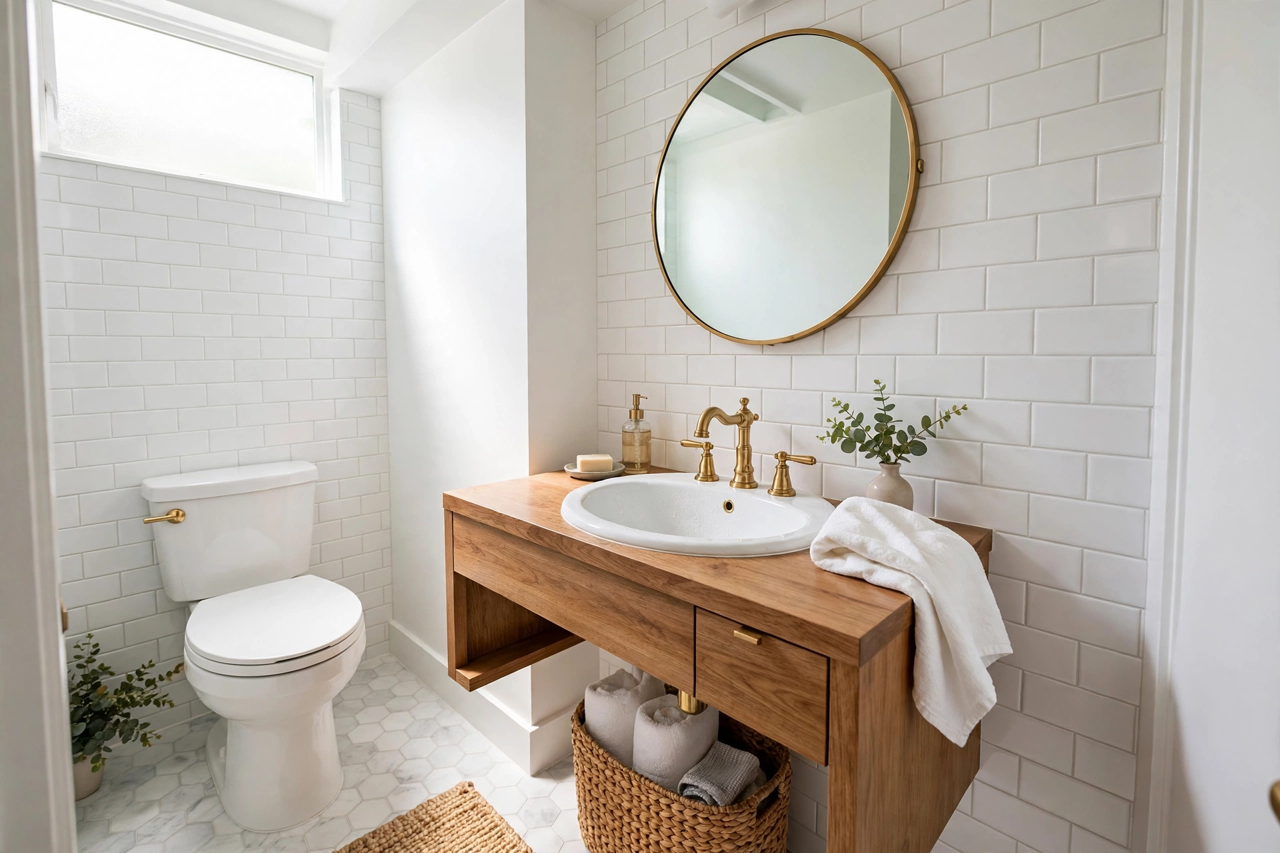
Once the basics are covered, small decorative touches make the space feel intentional rather than improvised. A plant, a framed print, or warm metallic details lift the mood of a room for almost no money. If you like a touch of elegance, copper home decor accessories can add timeless warmth to your workspace without clashing with a budget-friendly aesthetic.
6. Internet and Peripherals That Earn Their Keep
A flaky connection ruins more workdays than any slow computer. If your office corner is far from the router, first try moving the router to a higher, more central spot — it costs nothing. If dead zones persist, a basic mesh Wi-Fi node or a long Ethernet cable (under $15) delivers far more reliability per dollar than a fancier router.
Keep peripherals minimal but useful. A small USB hub ($12 to $20) saves you from crawling behind the laptop to swap devices. A headset with a decent microphone ($25 to $40) makes calls dramatically clearer than laptop speakers, and your colleagues will notice the difference. Most laptops now have acceptable built-in webcams, so buy an external one only if you are on camera all day.
Skip the gadgets that look exciting in unboxing videos but gather dust in real life. A budget home office setup should earn back every dollar in daily use — if you would not touch it three times a week, do not buy it.
7. Keep It Organized Without Fancy Systems
Clutter is the hidden tax on every home office. A $5 set of adhesive cable clips and a $10 desk organizer tray do more for your focus than most expensive upgrades. Route power cables behind the desk, keep chargers in one tray, and give every item a home.
Think vertically when floor space is tight. A small wall shelf or pegboard above the desk holds notebooks, headphones, and supplies without eating your work surface. Finally, do a five-minute reset every Friday: file loose papers, wipe the desk, charge everything. Walking into a clean setup on Monday morning is free motivation.
Conclusion and Quick FAQ
A comfortable home office in 2026 is a matter of priorities, not budget. Choose a quiet, well-lit corner, invest in a chair that protects your back, raise your screen to eye level, and light the space warmly. Everything else can come later, one small upgrade at a time.
How much should a budget home office setup cost? Most people can build a solid setup for $150 to $300 using a mix of new basics and second-hand furniture. If you already own a laptop, your biggest single purchase should be the chair.
Can I really buy office furniture second-hand safely? Yes — check items in person when possible, test chairs and hinges, and when buying online, stick to reputable platforms and verified sellers.
What is the single best upgrade under $25? A basic laptop stand or an adjustable desk lamp. Both change how your body feels at the end of the workday far more than their price suggests.